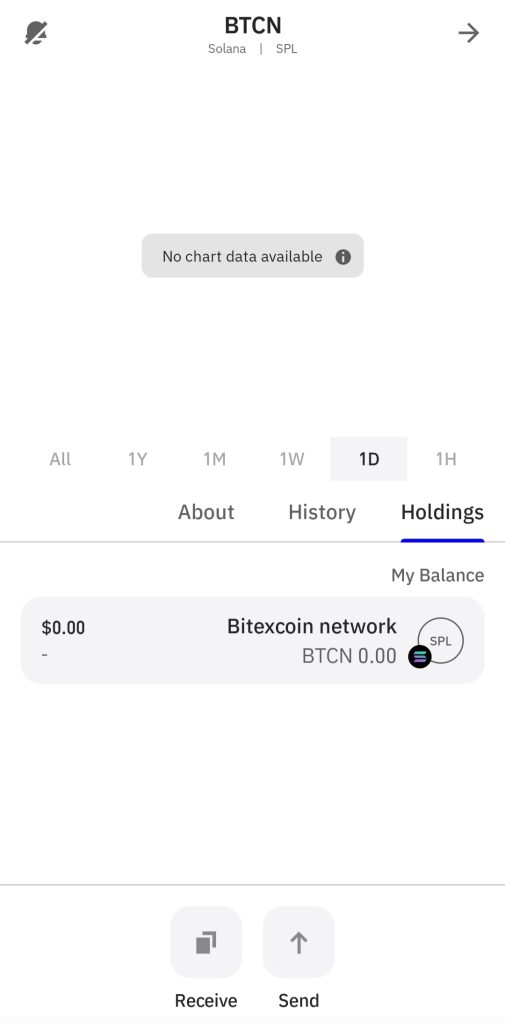
Simple instructions on how to add a custom token to your Trust Wallet
Open Trust Wallet
Launch the Trust Wallet app on your device.
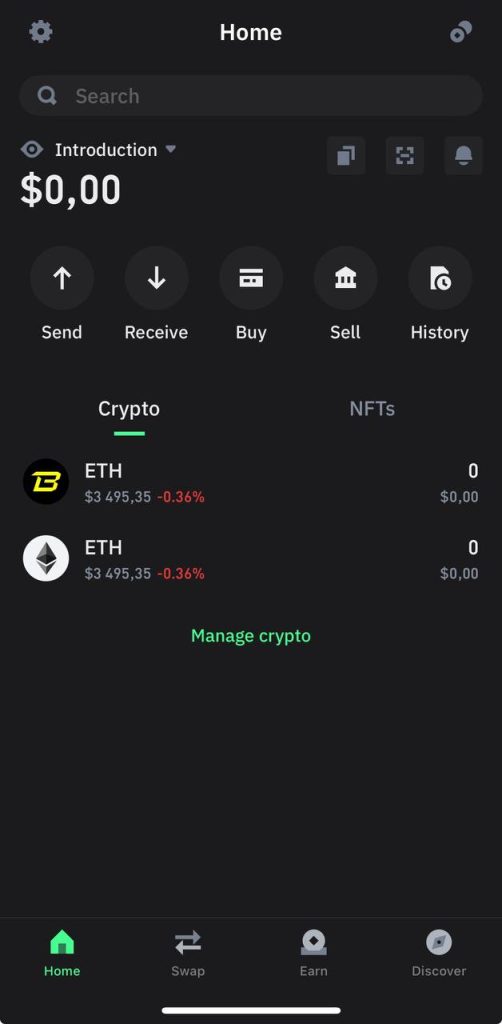
Go to “Manage crypto”
Tap the icon in the upper right corner of the screen, which usually appears as two cross lines or an “+” sign.
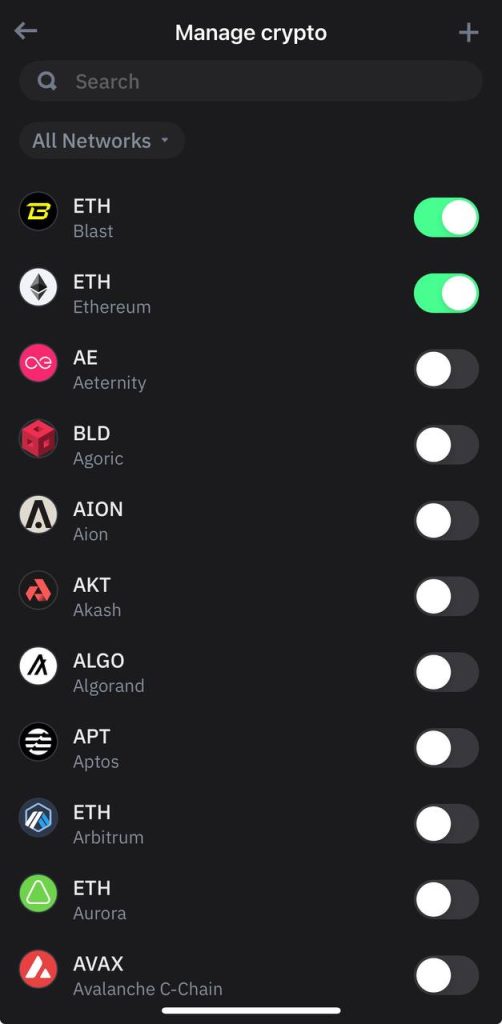
Add a new token
Scroll down and select “Add Custom Token”.
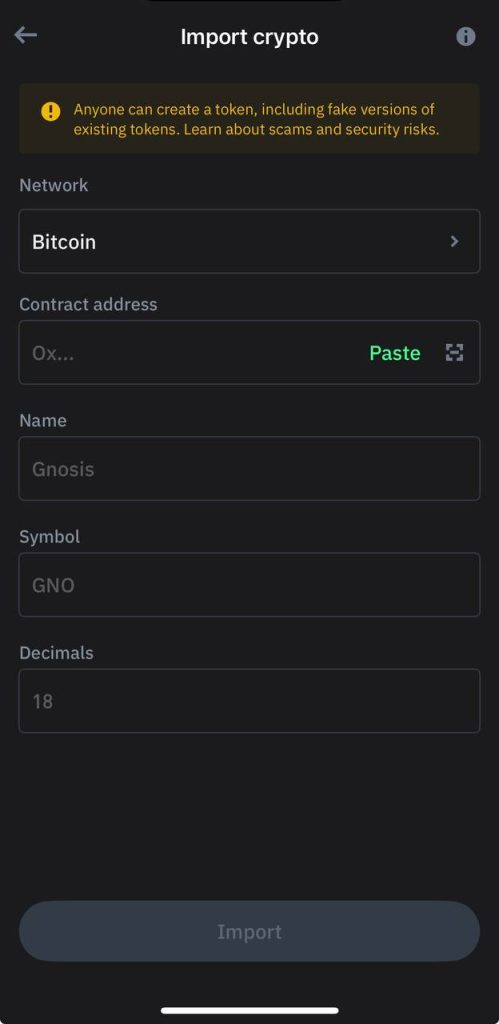
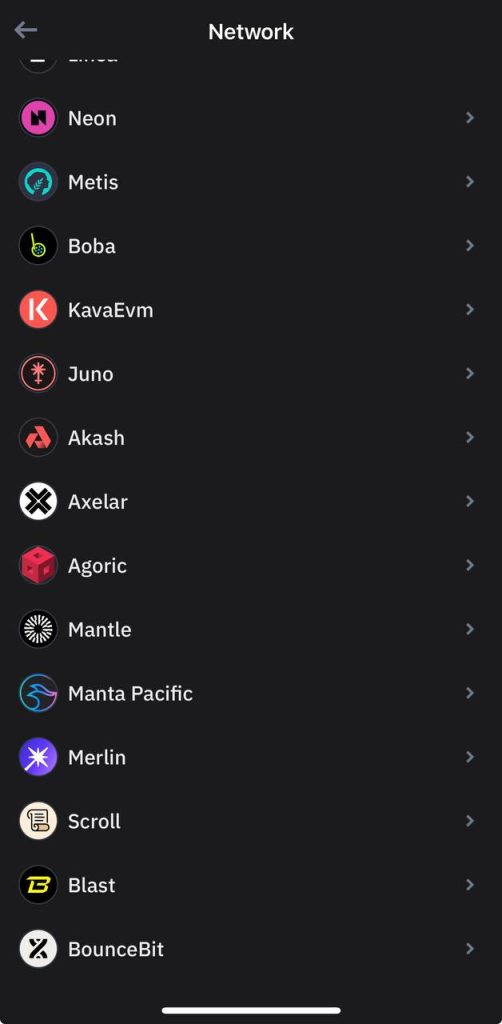
Enter token information
Fill in the required fields:
Network: Bitexcoin
Contract address
Ck3hi5XXPB825nioHHKoYAJCQ4XumTma6Te4gYQme11G
Name: Bitexcoin network
Icon: locked BTCN
Decimal numbers: 9.
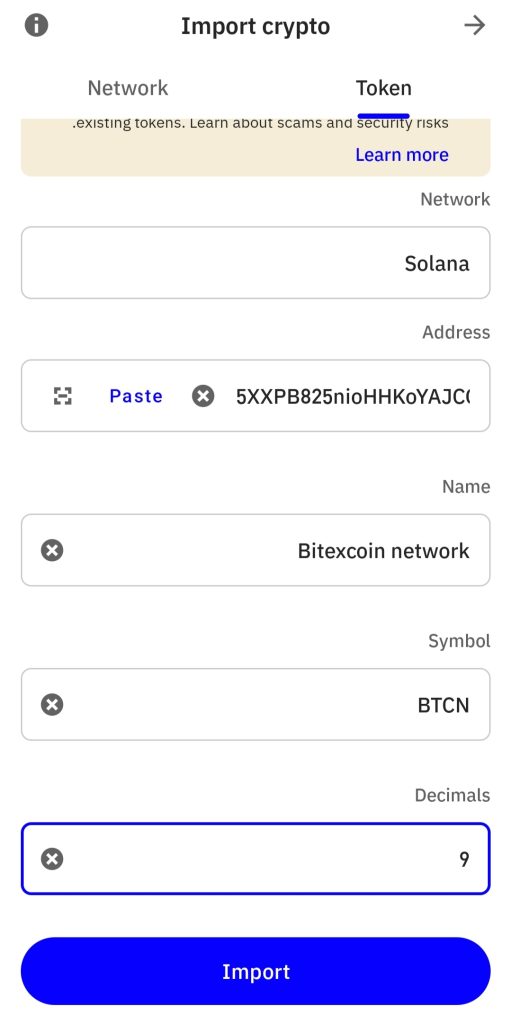
Save token
Confirm the information entered and tap ‘Done’ or ‘Save’
Your custom token will be added to your Trust Wallet and you can view and manage its balance.